Do you need a business website if you already have Instagram or a Google Business Profile?
Yes, most small businesses still need a website, because it is the only place online that you fully control. Instagram and Google Business Profile are useful, but both show your business inside someone else's layout and rules.
A website does three jobs those profiles cannot do well:
- It gives every service its own page. Someone searching for "GST registration help" or "modular kitchen in Thane" needs a page about exactly that. A profile has one short description.
- It holds your proof in one place. Work samples, reviews, team, address, policies and FAQs sit together on pages you can link to from ads, WhatsApp chats and quotes.
- It keeps working if a platform changes. Google turned off the free websites it used to make from Business Profiles in March 2024, and those sites stopped working after 10 June 2024, as reported by Search Engine Journal. Businesses that relied on them had to build a new site.
Your Google Business Profile still matters. Google's Business Profile help page lets you add your own website link to the profile, and verified profiles can add a WhatsApp or text chat option. The website and the profile work best together.
What pages does a small business website need?
A small business website needs a home page, one page per main service, an about page, a contact page and the legal pages. Start with these and add more only when you have something useful to put on them.
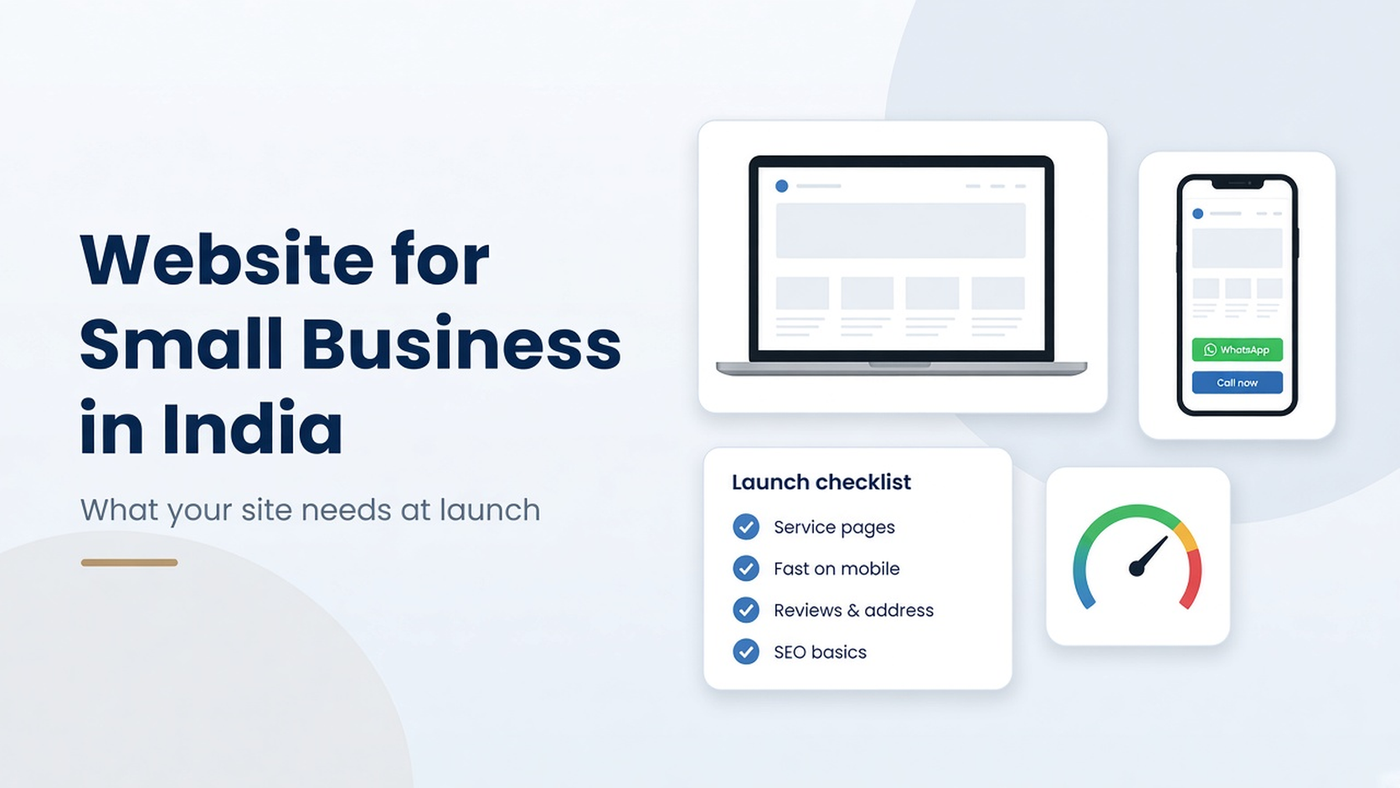
- Home page. Say what you do, for whom and where, in the first screen. Add a WhatsApp button, a call button and links to each service.
- One page per main service. Explain the problem it solves, what is included, who it is for, the process and common questions. One service per page helps both buyers and Google.
- About page. Real people, real address, how long you have been working and why customers should trust you.
- Work or proof page. Photos, case notes or before-and-after examples, with client permission.
- Contact page. Phone, WhatsApp, email, address, map, working hours and a short enquiry form.
- Privacy policy and terms. Needed if you collect names, phone numbers or emails through forms. [VERIFY: privacy and data requirements for your business with a legal adviser]
- Blog or guides (optional at launch). Add once you can publish answers to real customer questions regularly.
Which platform should you use to create a business website?
Choose the platform by who will update the site and what it must do, not by what is popular. Most small businesses pick one of three routes:
- Website builder (for example Wix, Squarespace, Shopify for stores) - Suits: Owners who want to edit pages themselves and need standard features; Watch out for: Monthly plan fees, limits on custom features, whether you can move the site later
- WordPress or another CMS, built by a developer - Suits: Businesses that want to edit content, run a blog and add features over time; Watch out for: Plugin updates, security and hosting need regular care
- Custom-coded site - Suits: Businesses that need speed, a unique design or integrations a builder cannot handle; Watch out for: Edits may need a developer unless a CMS is connected
Whichever you choose, check three things before you start: the domain is registered in your business's name, you can export or move your content later, and someone is responsible for updates and security after launch. Our guide to website development vs website management explains why the work after launch matters as much as the build.
How fast and mobile-friendly should a business website be?
A business website should be built for phones first and load fast on an ordinary mobile connection. Google's guide to mobile-first indexing says Google uses the mobile version of a site's content for indexing and ranking.
Google's Core Web Vitals page gives three targets for a good page experience:
- Largest Contentful Paint (LCP), loading: within 2.5 seconds of the page starting to load.
- Interaction to Next Paint (INP), responsiveness: under 200 milliseconds.
- Cumulative Layout Shift (CLS), visual stability: under 0.1.
You can test any page for free in PageSpeed Insights, and Search Console has a Core Web Vitals report once your site is verified. The usual fixes are simple: compress and resize images, avoid heavy sliders and pop-ups, limit third-party scripts and use reliable hosting.
[ADD OUR DATA: mobile PageSpeed scores (LCP, INP, CLS) for 5 recent Sharp Rays website builds, with the test date and page tested]
What makes visitors trust a small business website?
Visitors trust a website that shows a real business they can reach quickly. Put these trust signals on every important page:
- Contact you can see. A call button and a WhatsApp button that stay visible on mobile. WhatsApp's click-to-chat help page explains the official link format: https://wa.me/ followed by your full number in international format, with no zeros, brackets or dashes.
- Real address and hours, matching your Google Business Profile exactly.
- Reviews from real customers, with a link to your Google reviews. Never write or buy reviews.
- Your own work: photos of real projects, products or premises, not stock images of strangers.
- Named people: the owner or team, with roles.
- Secure site (https) and a working enquiry form that sends a reply.
"[ADD OUR QUOTE: one line from a named Sharp Rays web designer on the trust element small business sites most often miss]" - [NAME, ROLE]
What SEO basics should a new business website have at launch?
A new business website should launch with the basics that help Google find, read and show each page correctly. Google's SEO Starter Guide is the best free reference. At launch, make sure that:
- Every page has a unique title and meta description that say what the page is about.
- Each service page uses the words customers search for, written naturally. The Starter Guide notes that keywords in a domain name alone have hardly any ranking effect, so pick a domain that suits your brand.
- Pages link to each other with clear anchor text, so Google and visitors can find every service.
- Google Search Console is set up and a sitemap is submitted.
- Google Analytics (or another analytics tool) tracks enquiries: form submissions, call clicks and WhatsApp clicks.
- Your Google Business Profile links to the website, with the same name, address and phone number.
SEO after launch is a separate, ongoing job. For the full picture, see [LINK: SEO for small business in India, /blog/seo-for-small-business, Sanity draft, not yet live].
Not sure what your current website is missing? Sharp Rays will review your site's pages, mobile speed and enquiry buttons and send you 3-5 priority opportunities to fix. Request a free website audit.
How do you create a business website step by step?
Create a business website in this order, and do not start design until the content is ready:
- Write down the goal. For most small businesses this is calls, WhatsApp chats or form enquiries.
- List your services and the questions customers ask before they buy. These become your pages.
- Register a domain in your business's name and choose the platform (see above).
- Prepare content: page text, real photos, reviews and contact details.
- Design and build mobile-first, with WhatsApp and call buttons on every page.
- Set up tracking and SEO basics: titles, Search Console, analytics, sitemap.
- Test before launch: every form, button and link on a real phone.
- Launch, then update monthly: new work, new reviews, fixed issues.
[ADD OUR EXAMPLE: the Sharp Rays launch checklist, as used on a real client build, with client permission]
What does a business website cost to run each month?
A business website costs more than the build: plan for the domain, hosting, maintenance, content updates and any paid tools. Ask for these running costs in writing before you agree to a build:
- Domain renewal (yearly). [ADD SOURCE: current .in and .com renewal price from your registrar]
- Hosting and SSL (monthly or yearly).
- Maintenance: security and plugin updates, backups, fixing broken forms.
- Content updates: new photos, offers, services and posts.
- Paid tools: premium themes or plugins, booking or payment tools, email.
Sharp Rays offers websites as a monthly plan with design and build included. As listed on the Sharp Rays pricing page on 26 Oct 2026:
- Launch: from ₹9,999/month, up to 5 pages.
- Growth: from ₹14,999/month, up to 10 pages with a CMS and blog set-up.
- Scale: from ₹24,999/month, up to 15 pages with integrations and a starter online store.
New builds have a 6-month minimum commitment. Domain, paid plugins, photography and copywriting are quoted separately, and the final price is confirmed in a written proposal. For a wider look at what ongoing care costs, see [LINK: website maintenance cost in India, /blog/website-maintenance-cost-india, planned].
How do you choose who builds your business website?
Choose a website builder or agency by the proof and ownership terms they give you, not by the lowest quote. Ask these questions before you sign:
- Can you show live sites you built, and can I test them on my phone?
- Will the domain, hosting account, website files and content be in my name?
- What exactly is included each month, and what costs extra?
- Who updates the site after launch, and how fast?
- How will you track enquiries from the website?
- What happens to my site if I stop working with you?
Sharp Rays builds websites through its Website Development service, and the Sharp Rays pricing page states that clients own their website, ad accounts, content and data. Our guide to WhatsApp marketing for businesses covers how to turn the chats your website brings into qualified leads.
FAQs
Can I get a free business website?
Some website builders offer free plans, but check whether the free plan lets you use your own domain and remove the builder's branding before you rely on it. Google no longer makes free websites from Business Profiles; those were turned off in 2024. [VERIFY: free-plan limits of any builder you name]
How long does it take to build a small business website?
It depends on the number of pages and how ready your content is. Content (text, photos, reviews) is usually what slows a project down, so prepare it before design starts. [ADD OUR DATA: average weeks from brief to launch for Sharp Rays builds of 5 and 10 pages]
Should I choose a .in or .com domain?
Choose the one that is available, short and matches your business name. Google's SEO Starter Guide says keywords in a domain name have hardly any ranking effect on their own, so brand and ease of typing matter more than the extension. [VERIFY: any country-targeting advice before publishing]
Can I update the website myself after launch?
Yes, if the site is built on a CMS or a website builder you can log in to. On Sharp Rays plans, the Growth plan and above include a CMS so you can edit content yourself, according to the Sharp Rays pricing page.
Do I need a separate website for my online store?
Not always. A small catalogue with a cart and payment gateway can sit on the same website. Large stores with many products usually need a dedicated e-commerce build, which Sharp Rays quotes on request.
Want to know what your website is missing? Sharp Rays will review your website's pages, mobile speed and enquiry buttons and send 3-5 priority opportunities to fix, at no cost.