What does SEO mean for a small business?
SEO (search engine optimisation) for a small business means making it easy for Google to understand your website and Business Profile, and easy for nearby buyers to choose you from the results. Google's SEO Starter Guide describes SEO as helping search engines understand your content and helping users decide whether to visit your site.
For most small businesses in India, that means showing up for two kinds of search: people looking for a service near them ("AC repair near me", "CA in Andheri") and people asking questions before they buy ("how much does a website cost to maintain"). Both depend on the same groundwork.
SEO is also free to appear in. Google's page Do you need an SEO? says Google never accepts money to include or rank sites in its search results, and that advertising with Google won't have any effect on your site's presence in organic results.
How long does SEO take for a small business?
Google gives no fixed timeline. The SEO Starter Guide says "Some changes might take effect in a few hours, others could take several months", and suggests waiting a few weeks before judging whether a change helped.
Sharp Rays' own pricing page states that most businesses see early progress in 3-6 months, depending on competition. [VERIFY: confirm this matches our client data before publishing] For the full answer, see our guide on [LINK: how long SEO takes to show results, /blog/how-long-does-seo-take, publishes 16 Nov 2026].
[ADD OUR DATA: sharprays.com Search Console timeline since launch: month, pages indexed, impressions, clicks, enquiries. Real numbers with dates only.]
Step 1: Which website basics should you fix first?
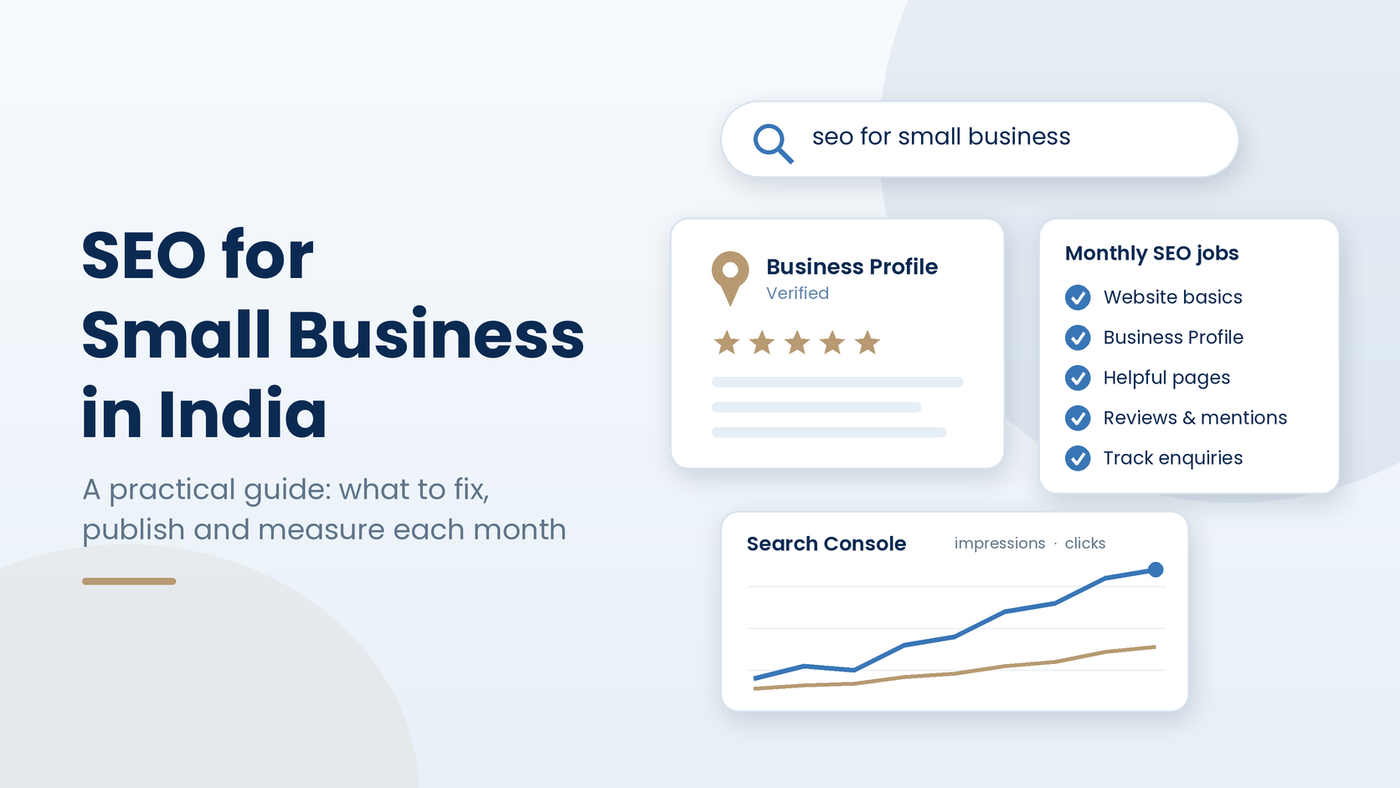
Fix whatever stops Google from finding and reading your pages before you write anything new. Google's Starter Guide recommends checking first whether Google has already found your content. Work through these in order:
- Check what Google has. Search
site:yourdomain.com. If nothing shows, check Google's technical requirements before anything else. - Set up Google Search Console. The Starter Guide recommends it for monitoring how your site performs in Google Search, including which pages are indexed and which searches show your site.
- Let Google see the page as a visitor does. The Starter Guide warns that if Google cannot load your CSS or JavaScript, your pages may not show up or rank well. Use the URL Inspection tool to check.
- Use clear URLs. Words such as /services/website-development help people understand a result; random IDs do not.
- Write a unique title and meta description for each page. Google says a good title is unique, clear and accurately describes the page, and may include your business name and location.
- Link your pages to each other. Google says it finds most new pages through links, so link every service page from the home page and menu, with anchor text that says what the page is about.
- Make it easy to enquire. A visible call button, WhatsApp button and short form do not change rankings, but they turn the visits SEO brings into enquiries.
[IMAGE 1]
Step 2: How do Google Business Profile and reviews help?
For "near me" and local searches, your Google Business Profile often matters as much as your website. Google's help page Tips to improve your local ranking says local results are mainly based on relevance, distance and prominence, and that there is no way to request or pay for a better local ranking.
- Verification tells Google you are authorised to represent the business, so it is more likely to show in search results - What to do this month: Verify the profile and keep the owner login in your business's name
- Businesses with complete and accurate information are more likely to show in local results - What to do this month: Fill in the address (if customers visit), hours, category and attributes; keep name, address and phone the same everywhere
- Prominence draws on how many websites link to you and how many reviews you have; more reviews and positive ratings can help - What to do this month: Ask happy customers for reviews and earn local mentions
- Replying to reviews shows you value feedback - What to do this month: Reply to every review, briefly and politely
Ask for reviews the right way. Google's tips to get more reviews suggest sending customers a Google review link or QR code, and say that offering free or discounted goods or services in exchange for reviews is strictly prohibited.
If you serve several parts of Mumbai or the wider MMR, the same rules apply with more competition; our guide to [LINK: SEO for small businesses in Mumbai, /blog/seo-for-small-businesses-mumbai, publishes 23 Nov 2026] covers that case. For a full checklist, see [LINK: Google Business Profile optimisation in 15 steps, /blog/google-business-profile-optimisation, publishes 6 Nov 2026].
[ADD OUR EXAMPLE: one Sharp Rays client's Business Profile before and after (calls, direction requests, website clicks), dated, with permission]
Step 3: What pages and posts should a small business publish?
Publish one clear page for each service you sell, then posts that answer the questions buyers ask before they call. Google's Starter Guide says creating content that people find compelling and useful will likely influence your presence in search results more than any of its other suggestions.
Google lists what useful content tends to share:
- Easy to read and well organised, with headings and short paragraphs.
- Unique: written from what you know, not copied or rehashed from other sites.
- Up to date: old pages checked and refreshed, or removed.
- Helpful and reliable: written for readers, with expert or experienced sources.
Write in your customers' words. Google's example is that some people search "charcuterie" and others "cheese board". In India, one buyer types "website banane ka kharcha" and another "website development cost"; Google's language systems connect many of these, but a page that uses your buyers' own phrases is easier for both people and Google to match.
You do not need a word count. The Starter Guide says there is no magical word count target for ranking.
"[ADD OUR QUOTE: one line from a named Sharp Rays SEO specialist on the first page every small business should write]" - [NAME, ROLE]
Step 4: How do you show up in AI answers like AI Overviews?
You show up in Google's AI features with the same SEO you already need. Google's guide to AI features and your website says there are no additional requirements to appear in AI Overviews or AI Mode, and a page must be indexed and eligible to show with a snippet to appear as a supporting link.
Google lists the SEO basics that still matter for AI features:
- Allow crawling in robots.txt and in your hosting or CDN settings.
- Make content easy to find through internal links.
- Put important content in text, not only in images.
- Make sure structured data matches the visible text.
- Keep your Business Profile information up to date.
Google also says you do not need new machine-readable files, AI text files or special schema to appear in these features. For more, read Sharp Rays' guide to preparing your website for AI search.
[IMAGE 2]
What should you measure each month?
Measure whether Google sees more of your business first, then whether that turns into enquiries. Check these on the same date every month:
- Search Console Performance report: impressions, clicks and the queries your site shows for. Google says visits from AI Overviews and AI Mode are counted here, under the "Web" search type.
- Search Console page indexing: how many of your important pages are indexed.
- Google Business Profile performance: calls, direction requests and website clicks.
- Enquiries by source: calls, WhatsApp chats and form leads, tracked as key events in Google Analytics.
- [ADD OUR DATA: month 1] - Pages indexed: [ ]; Impressions: [ ]; Clicks: [ ]; Enquiries from search: [ ]
- [ADD OUR DATA: month 3] - Pages indexed: [ ]; Impressions: [ ]; Clicks: [ ]; Enquiries from search: [ ]
- [ADD OUR DATA: month 6] - Pages indexed: [ ]; Impressions: [ ]; Clicks: [ ]; Enquiries from search: [ ]
Not sure where your site stands today? Sharp Rays offers a free audit of what Google can see on your site and Business Profile, and what to fix first.
[IMAGE 3]
Should you do SEO yourself or hire help?
Many small businesses can start on their own. Google's Do you need an SEO? page says a small local business can probably do much of the work itself, starting with the SEO Starter Guide. Hiring makes sense when you lack time, are planning a new site or redesign, or need technical or content help.
- Best for - Doing it yourself: One location, a few services, time to learn; Hiring an SEO agency: Several services or locations, a redesign, tough competition
- What you need - Doing it yourself: Search Console, a Business Profile, a few hours a week; Hiring an SEO agency: A written plan, read access to your data, a monthly report
- Main risk - Doing it yourself: Slow progress if the work stops; Hiring an SEO agency: Paying for work you cannot see
If you hire, Google suggests asking what results the SEO expects, in what timeframe, and how they measure success. Google also says no one can guarantee a #1 ranking on Google, and that during an audit you should give an SEO read access to Search Console only, not write access.
How much does SEO cost with Sharp Rays?
Sharp Rays publishes its starting prices on the pricing page. Monthly Search Engine Optimization plans start at:
- Foundation - Starting price (as listed on /pricing, 15 Oct 2026): from ₹14,999/month; Priority page optimisations per month: Up to 5
- Growth - Starting price (as listed on /pricing, 15 Oct 2026): from ₹24,999/month; Priority page optimisations per month: Up to 10
- Scale - Starting price (as listed on /pricing, 15 Oct 2026): from ₹39,999/month; Priority page optimisations per month: Up to 15
The pricing page says every plan starts with an audit, the final price is fixed in a written proposal, quarterly billing saves 10%, and new content writing and development are scoped separately. If your website itself needs work, website plans start from ₹9,999/month with a 6-month minimum for new builds. See Sharp Rays Search Engine Optimization services for what each plan covers.
FAQs
Is SEO still worth it now that Google shows AI answers?
Yes. Google says the best practices for SEO remain relevant for AI Overviews and AI Mode, and pages must be indexed to appear as links in them. Google also reports that clicks from results pages with AI Overviews tend to be higher quality.
Do I need a website if I already have a Google Business Profile?
A Business Profile can bring calls and visits from Maps on its own, but a website gives Google pages to show for service and question searches and gives you a place to explain prices, work and reviews. Sharp Rays recommends both, linked to each other. [VERIFY wording with the SEO lead]
Will running Google Ads improve my SEO?
No. Google says advertising with Google won't have any effect on your site's presence in organic results. Ads and SEO are separate channels; measure each one on its own enquiries.
Do keywords in my domain name help me rank?
Hardly. Google's Starter Guide says keywords in a domain name or URL path alone have hardly any effect beyond appearing in breadcrumbs. Choose a name that is good for your business.
Is there a minimum blog post length for SEO?
No. Google says there is no magical word count target, minimum or maximum. Write until the question is answered well, then stop.
Want to know what to fix first? Sharp Rays will check what Google can see on your website and Business Profile today, and send a priority list, at no cost.
- Get your free SEO audit
- WhatsApp or call: +91 94159 51060
- Email: info@sharprays.com