What is AI automation for a small business?
AI automation for a small business means using software to move routine work from one step to the next without someone doing it by hand, with AI added where a task needs reading, sorting or drafting text. A rule-based step might copy a website form into a Google Sheet; an AI step might read a WhatsApp message and work out which service the customer wants.
Not every workflow needs AI. Moving a form submission into a CRM is ordinary automation. AI becomes useful when the input is messy text, such as a long enquiry, an email thread or a scanned document, and the output can be checked by a person.
How do you pick the first workflow to automate?
Pick a task that happens often, follows the same steps each time and has a result someone can check in seconds. A good first workflow passes this test:
- It is frequent. It happens every day or every week, not once a quarter.
- The inputs are consistent. The same form, inbox or WhatsApp number every time.
- There is a clear owner. One person knows what "done right" looks like.
- Mistakes are cheap and visible. A wrongly tagged lead is easy to fix; a wrong payment is not.
- You can measure it. You know roughly how long the task takes now.
[ADD OUR DATA: the first workflow Sharp Rays automated for its own team, the time it took per week before, and after]
What are 7 AI automation workflows a small business can start with?
These seven workflows cover the jobs most small businesses repeat every week: enquiries, follow-ups, support, bookings, reports and paperwork. Start with one.
1. Capture and route new enquiries
An enquiry workflow records every website form, call-back request or WhatsApp message in one sheet or CRM and alerts the right person. Where enquiries arrive as free text, AI can tag the service requested and the city. Keep routing rules explicit and send unclear requests to a named person, so a wrongly assigned lead is easy to spot.
2. Summarise and qualify leads
AI can turn a long enquiry or chat into a short summary: what the customer needs, budget if given, timeline and open questions. Keep the original message linked, and have staff check key details before quoting.
3. Send follow-ups automatically
A follow-up workflow sends a reminder to the customer, or a task to your team, when a lead has had no reply after a set time. This is often where small businesses lose enquiries. Use approved message templates and stop the sequence as soon as the customer replies.
4. Draft customer support replies
A support workflow drafts answers from approved service information and FAQs. A person reviews anything involving complaints, refunds, pricing or exceptions. The system should say it does not know rather than invent a policy.
5. Book appointments and send reminders
Scheduling automation sends confirmations and reminders after a customer picks a slot, and alerts the team when a booking changes. AI can help understand a request like "next Tuesday evening", while rule-based steps handle the confirmed booking and calendar.
6. Summarise weekly reports
A reporting workflow pulls figures from your ad accounts, analytics or sales sheet and drafts a short summary of what changed. Calculations should come from the source data, not from AI. Treat AI explanations as questions to check, not proven causes.
7. Process invoices and documents
Document workflows extract chosen fields from invoices, purchase orders or forms, suggest a category and send them for review. Check important fields before they trigger a payment, a customer commitment or a stock change.
How can WhatsApp automation help a small business?
WhatsApp automation helps a small business reply to enquiries faster, send booking and order updates, and pass qualified chats to the right person. For many Indian businesses, WhatsApp is where customers message first. [ADD OUR DATA: share of Sharp Rays client enquiries that arrive on WhatsApp]
Two official rules shape any WhatsApp workflow:
- Opt-in first. The WhatsApp Business Messaging Policy says you may contact people on WhatsApp only if they have given you their number and you have received opt-in permission to message them.
- Per-message pricing. Meta's WhatsApp Business Platform pricing page says that since 1 July 2025 Meta charges per message, by message category and market, only for messages from businesses to users, and only when a message is delivered. Free-form (non-template) replies can only be sent within a 24-hour customer service window that opens with each customer message. The same page notes pricing updates effective 1 October 2026, so check current rates before you plan volumes.
[ADD SOURCE: current per-message rates for India by category, from Meta's rate card, dated] For the full cost picture, see [LINK: WhatsApp Business API pricing in India, /blog/whatsapp-business-api-pricing-india, planned]. Our guide to WhatsApp marketing for businesses covers how to turn those conversations into qualified leads.
What is the difference between AI agents and automation workflows?
An automation workflow follows steps you define in advance; an AI agent decides its own steps and which tools to use to reach a goal. Anthropic, which builds the Claude models, draws this line in its guide Building effective agents: workflows orchestrate AI and tools "through predefined code paths", while agents "dynamically direct their own processes and tool usage".
The same guide recommends finding the simplest solution possible and adding complexity only when needed, noting that agentic systems often trade speed and cost for better task performance. For a small business, that usually means:
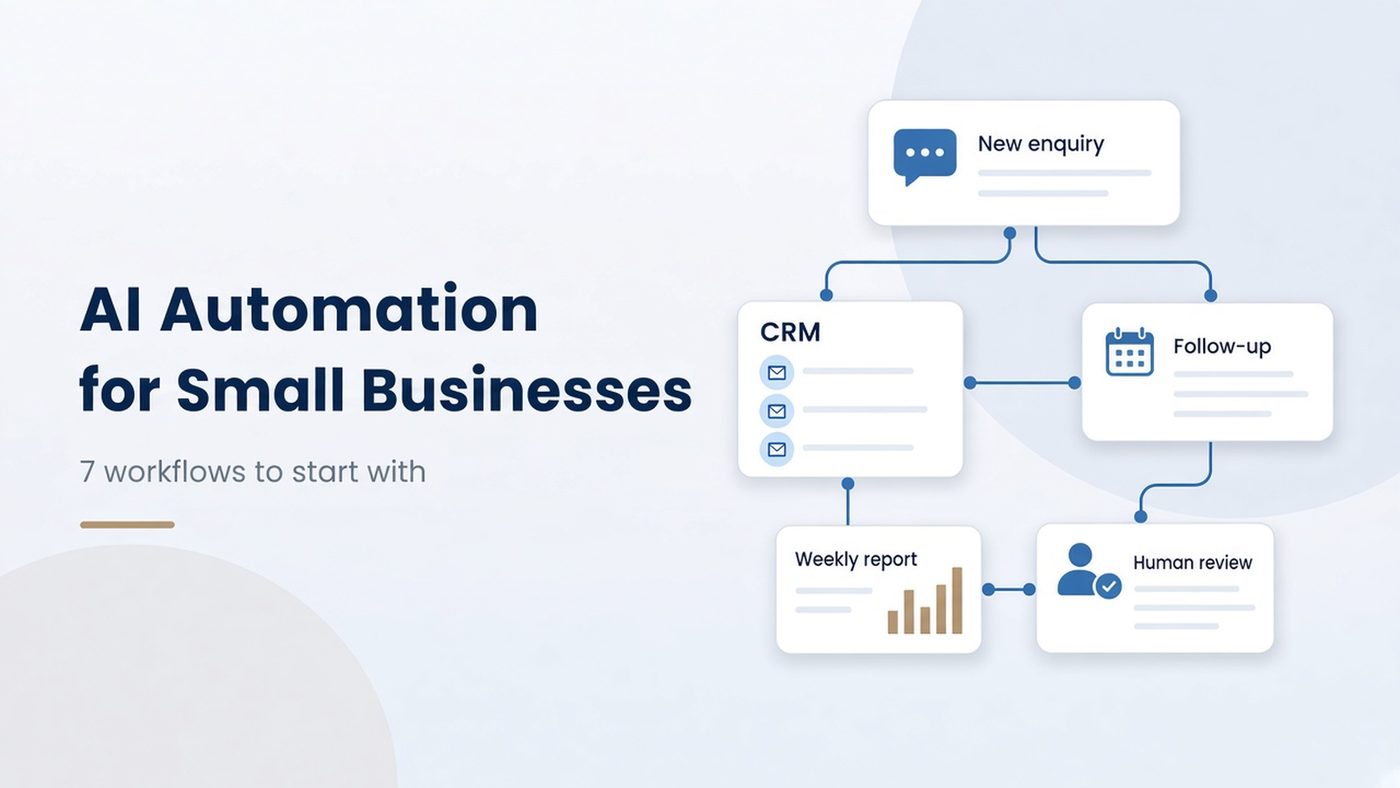
- Use a workflow when the steps are known: form to CRM to WhatsApp alert to follow-up.
- Consider an agent only for open-ended tasks, such as researching a lead across several sources, and keep a person approving its actions.
More on this in [LINK: AI agents for business, /blog/ai-agents-for-business, planned].
Want to know which of your tasks are worth automating? Sharp Rays will review your enquiry, follow-up and reporting process and send you 3-5 priority opportunities. Request a free automation audit.
Which AI automation tools should a small business use?
Use the tools your team already works in, connected by one automation platform, rather than buying a new system for each task. A typical small business stack has three parts:
- Where data lives: Google Sheets or a CRM, Gmail or Outlook, a calendar, the WhatsApp Business app or WhatsApp Business Platform.
- What connects them: an automation platform such as Zapier, Make or n8n. Each has different pricing, hosting and limits. [VERIFY: current plan limits on each vendor's pricing page before recommending one]
- Where AI is added: an AI model step inside the automation platform for tagging, summarising or drafting, with a human check where it matters.
For a side-by-side comparison, see [LINK: Zapier vs n8n vs Make, /blog/zapier-vs-n8n-vs-make, planned].
What does AI automation cost for a small business?
AI automation has two costs: the one-time build and the running costs of the platforms, AI usage and messages. Plan both before you start.
Sharp Rays builds automations as one-time projects. As listed on the Sharp Rays pricing page on 26 Oct 2026:
- Starter: from ₹14,999 one-time, 1 focused workflow with up to 2 connected tools, 14 days support.
- Growth: from ₹29,999 one-time, up to 3 connected workflows and 4 integrations, 30 days support.
- Scale: from ₹49,999 one-time, up to 5 connected workflows across multiple systems, 60 days support.
- Automation Care: from ₹4,999/month for monitoring, error checks and minor changes after the support period.
The pricing page states that automation platforms, AI usage, APIs and WhatsApp message charges are paid separately, and the final price is confirmed in a written proposal.
How do you know an AI automation is working?
An automation is working when it saves measurable time without adding errors or missed enquiries. Record these numbers for two to four weeks before the build and again after launch:
- Hours spent on the task each week.
- Response time to new enquiries.
- Missed or late enquiries (leads with no reply).
- Error rate: how many items needed manual correction.
- Exceptions: requests the workflow could not handle and sent to a person.
[ADD OUR DATA: hours saved per week for 2-3 Sharp Rays automation builds, with before/after dates and client permission]
If the error rate rises or staff stop trusting the output, pause and fix the rules before adding more workflows. A small process the team trusts is worth more than a large one nobody checks. Sharp Rays AI Automation builds start with one workflow, test common exceptions and add human review where it matters.
"[ADD OUR QUOTE: one line from a named Sharp Rays automation specialist on the most useful first workflow for small businesses]" - [NAME, ROLE]
FAQs
Will AI automation replace my staff?
AI automation reduces selected manual tasks; it does not replace judgement. People still handle relationships, pricing decisions, complaints and exceptions. Most small businesses use the time saved for follow-ups and customer service.
Is my customer data safe in an automation?
It depends on the tools and how they are set up. Limit access to the accounts the workflow needs, avoid sending sensitive data to tools that do not need it, and check each tool's data terms. [VERIFY: consent and data-protection obligations under India's Digital Personal Data Protection Act, 2023 with a legal adviser]
Can I automate WhatsApp with the normal WhatsApp Business app?
The WhatsApp Business app offers basic tools such as quick replies and away messages, but connecting WhatsApp to a CRM or automation platform at scale usually needs the WhatsApp Business Platform (API) through Meta or a provider. [VERIFY: current WhatsApp Business app automation features]
What happens when an automation breaks?
A well-built workflow sends an error alert to a named person and keeps a log of what failed, so nothing is lost silently. Sharp Rays' Growth builds include error alerts, and Automation Care covers ongoing monitoring, according to the Sharp Rays pricing page.
How long does it take to build a first automation?
It depends on how many tools are connected and how clean the data is. A single workflow between two tools is the simplest place to start. [ADD OUR DATA: typical build time for a Sharp Rays Starter workflow]
Want to know which tasks to automate first? Sharp Rays will review your enquiry, follow-up and reporting process and send 3-5 priority opportunities, at no cost.